RSVP responses kaise track karein: Single source of truth se complete tracking system tak
RSVP replies collect karna toh easy hai — actual mushkil hai unhe ek single dashboard me organize karna, duplicates avoid karna, family ke saath share karna, aur final headcount par confidently lock karna. Yahan complete framework — tools, owners, cadence, aur common pitfalls — sab.
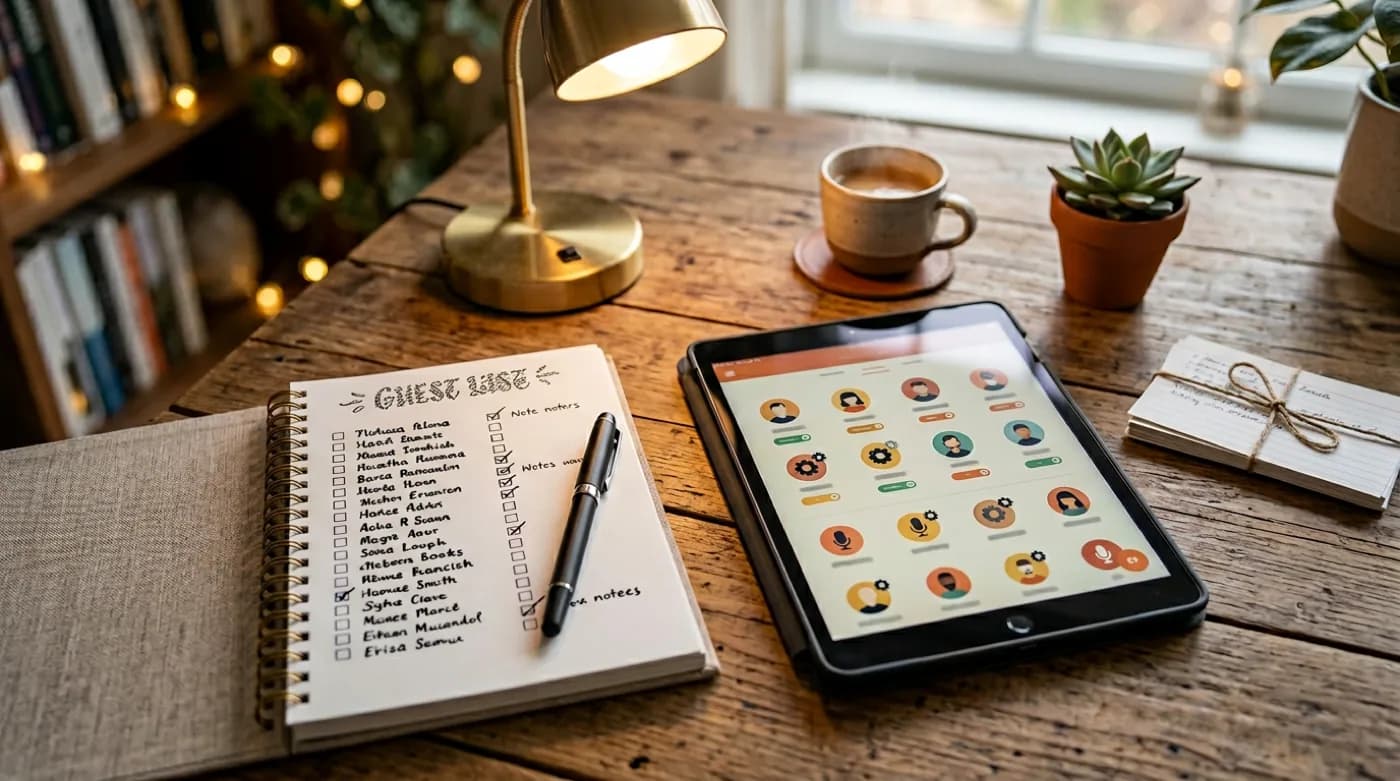
Key takeaway
RSVP responses track karna sirf ‘sheet me likh do’ wala kaam nahi hai — chhote functions me bhi 20-30 replies ek week me alag-alag channels par aate hain (WhatsApp, phone, email, in-person), aur agar…
Single source of truth ka concept
RSVP tracking ki sabse badi pitfall yeh hai ki replies multiple jagah par aate hain par koi single jagah par consolidate nahi hote. Ek typical Indian wedding me yeh kuch is tarah dikhta hai: mummy ke phone par 30 aunties ne WhatsApp kiya, papa ke phone par 20 logon ne reply diya, cousin ne Google Form bana ke 50 responses collect kiye, koi tau ji ne directly bhabhi ko bola ki ‘pakka aayenge’, aur ek family group me 15 ‘yes’ ek thread me bikhre pade hain. Result — koi nahi jaanta ki actual confirmed headcount kya hai. Catering wala 600 plates ka order le ke chala jaata hai, aur shaam ko 420 log aate hain.
Iska solution simple hai par discipline maangta hai: ek single source of truth banayein. Chahe woh ek Google Sheet ho, ek dedicated RSVP page ho, ya ek wedding planning app — ek hi jagah par har confirmed RSVP feed honi chahiye, chahe original reply kis channel se aaya. Agar mummy ke phone par WhatsApp reply aaya, to woh sheet me bhi enter honi chahiye 24 ghante ke andar. Yeh discipline tabhi ban paati hai jab ek clear owner ho aur weekly review cadence ho.
RSVP tracking sheet ke minimum 5 fields
Chahe aap basic Google Sheet use kar rahe hon ya advanced dashboard, ek RSVP entry me minimum yeh 5 fields hone chahiye. Inse kam information ho to planning decisions par confidently nahi le sakte.
Mandatory tracking fields
- Guest naam — full naam, jaisa invitation par likha tha. Nicknames ya short forms avoid karein kyunki duplicates create hote hain.
- Total headcount — adults aur bachhon ka separate count. ‘Mr & Mrs Sharma + 2 kids’ ko 4 ke roop me track karein, ‘+ family’ avoid karein.
- RSVP status — yes / no / maybe / pending (jinhone reply nahi diya). Ye field ka clean dropdown rakhein, free text nahi.
- Response date — kab reply aaya. Ye field follow-up planning ke liye crucial hai — pending guests ko identify karne ke liye, aur late responses ko track karne ke liye.
- Channel — kis medium se reply aaya (WhatsApp / phone / form / in-person). Ye data baad me audit ke liye kaam aata hai agar koi entry galat lage.
Optional but useful fields
- Side — bride’s side / groom’s side (multi-day weddings me planning ke liye useful).
- City / outstation — travel logistics aur hotel booking ke liye.
- Dietary preferences — veg / non-veg / Jain / specific allergies.
- Accessibility needs — wheelchair, ground floor seating, infant chair, etc.
- Functions attending — agar multi-day wedding hai (mehendi / haldi / sangeet / wedding / reception), to har function alag column.
- Gift / shagun tracking — kabhi bhi separate sheet ke roop me rakhein, RSVP sheet me mix mat karein.
Tracking tools compared
RSVP tracking ke liye broadly 4 approaches use hote hain. Har ek ka apna sweet spot hai — guest list size, host ki tech-comfort, aur required features ke based pe choose karein.
| Approach | Best for | Watch out |
|---|---|---|
| WhatsApp chat replies | <30 guests, intimate gatherings | Threads me replies kho jaate hain, manual consolidation lagta hai |
| Google Sheet (shared) | 30-150 guests, tech-comfortable host | Multiple editors conflict karein, duplicates banane ka risk |
| Google Form + Sheet | 100-300 guests, basic structure | Form generic dikhta hai, branded experience nahi |
| Dedicated RSVP page | 300+ guests, multi-day weddings | Setup time chahiye, par auto-tracking aur reminders milte hain |
RSVP tracking ki step-by-step setup
Setup framework
Ye framework chahe aap WhatsApp use karein, sheet, ya dedicated tool — applicable hai.
- Step 1
Owner identify karein
Ek single person responsible hona chahiye RSVP tracking ke liye. Usually couple ka ek partner, ya ek trusted cousin/sibling. Ye person sheet update karta hai, follow-up coordinate karta hai, aur final headcount catering team ko deta hai.
- Step 2
Master guest list freeze karein
RSVP collect start karne se pehle, ek master guest list banayein jisme har confirmed invitee ka naam, contact, aur expected headcount ho. Ye baseline list hai jiske against actual RSVPs track honge.
- Step 3
Tracking sheet/dashboard banayein
Minimum 5 mandatory fields ke saath ek sheet ya dashboard create karein. Master guest list me se har naam pre-populate karein, RSVP status default ‘pending’ rakhein.
- Step 4
Single channel announce karein invitation me
Invitation me sirf ek hi RSVP channel mention karein — chahe woh link ho ya number. Multiple channels confusion banate hain. Agar elders ke liye phone option chahiye, to woh ek alternate hai, primary nahi.
- Step 5
Replies daily consolidate karein
Roz ek baar (ya har 2 din me) jo bhi replies multiple channels se aaye, owner unhe single sheet me update kare. Ye discipline 5-10 minutes ka kaam hai, par skip karne se chaos banta hai.
- Step 6
Weekly review cadence rakhein
Har week ek dedicated 15-minute review — kitne yes, kitne no, kitne maybe, kitne pending. Pending list par focus rakhein next week ke follow-ups ke liye.
- Step 7
Deadline ke ek hafte pehle final push
Pending guests ko personal reminders bhejein (bulk message nahi). ‘Maybe’ wale guests ko convert karne ki koshish karein yes ya no me.
- Step 8
Deadline ke baad final headcount lock karein
Confirmed yes + 50% of maybe + 10-15% buffer = final catering number. Ye number caterer ko diya jaata hai (usually event se 5-7 din pehle).
Weekly review me kya check karna chahiye
Weekly RSVP review ek 15-20 minute ka kaam hai jo invitation send hone ke baad se event tak chalna chahiye. Ismein owner aur ek-do close family members baith ke saath review karte hain. Aaj kal video call par bhi ye easily ho jaata hai.
Weekly review checklist
- ✓Total invited vs total responded — response rate kya hai (60% = healthy, 40% = need to push)?
- ✓Yes / no / maybe / pending ka breakdown.
- ✓Side-wise breakdown (bride’s side vs groom’s side) — koi side under-responding to hai?
- ✓Outstation guests ka special status — unhe travel planning chahiye, isiliye priority follow-up.
- ✓Last week ke ‘maybes’ — kya unme se kuch yes/no me convert hue?
- ✓Iss week ke new RSVPs — koi anomaly (jaise ek guest ne 4 confirm kiye the, ab 8 keh raha hai)?
- ✓Pending list — kaun-kaun se guests ko personally follow-up karna hai is week?
- ✓Dietary / accessibility flags — koi naya special requirement aaya hai?
Pending guests ko follow-up kaise karein
Follow-up RSVP tracking ka sabse delicate hissa hai. Agar zyada aggressive hain to guests offended hote hain; agar zyada laid-back hain to deadline tak responses nahi aate. Sweet spot yeh hai — staged escalation, personal tone, aur clear reason.
Effective follow-up sequence
- Pehla reminder (deadline se 2 hafte pehle) — soft, group message ya bulk WhatsApp: ‘Bas remind kar raha hoon, RSVP ka link [yahan] hai’.
- Doosra reminder (deadline se 1 hafta pehle) — slightly direct, personal message: ‘Apki presence ke liye plan kar rahe hain, kindly RSVP confirm kar dein’.
- Teesra reminder (deadline ke din) — phone call ya voice note for close family: ‘Aaj last day hai RSVP ka, please ek-do minute me confirm kar dein’.
- Final outreach (deadline ke baad, optional) — sirf jin guests ke liye genuine uncertainty hai, ek personal call: ‘Kya aap final decide nahi kar paaye? Hum aaj catering finalize kar rahe hain.’
- Personal text > group message — har stage par close family ke liye personal text, friends ke liye group message theek hai.
Common RSVP tracking mistakes
Do
- Ek single owner aur single source of truth rakhein — chahe family me 10 log invite plan kar rahe hon.
- Har RSVP entry me total headcount specifically capture karein — ‘+ family’ ya ‘+ all’ avoid karein.
- Maybe wale guests ke liye ek separate follow-up category rakhein.
- Weekly review skip mat karein — 15 minute ka kaam hai jo poori planning save karta hai.
- Deadline ke baad ek soft cutoff allow karein 2-3 din ka, par caterer ko final number on time dein.
Do not
- Multiple Google Sheets ya WhatsApp groups me parallel tracking mat karein — saare consolidate karein ek jagah.
- RSVP sheet me gift / shagun tracking mat mix karein — alag sheet rakhein, dono ka logic alag hai.
- Pending guests ko silently ‘no’ assume mat karein — ek genuine reminder bhejein, kabhi-kabhi log invitation miss kar dete hain.
- ‘+ family’ ya ‘+ guests’ wale vague entries accept mat karein — exact headcount maango.
- Sirf one channel ka response trust karein — multiple channels par aane wale replies ko cross-verify karein especially elders ke liye.
Catering team ko numbers kab aur kaise dein
RSVP tracking ka final output ek practical number hai jo catering team ke liye actionable hota hai. Yeh handoff usually event se 5-7 din pehle hota hai. Caterer ko ek single number chahiye — ‘650 plates’ — but us number ke peeche aapki tracking ka pura framework hona chahiye.
Final headcount calculation
- Confirmed yes — 100% count
- Maybe — 50% count (catering ke liye safe assumption)
- Pending non-responders — 10-15% buffer (depending on community/family pattern)
- Outstation guests — 95% count (kyunki travel commit kar chuke hain)
- Last-minute drop-ins — additional 5-10% buffer depending on event type
- Kids — adult plate ka 50-60% (kids khaate kam hain par alag count zaroor karein)
Final thoughts
RSVP tracking ek seedhi process hai jo discipline maangti hai. Tools chahe basic hon (Google Sheet) ya advanced (dedicated digital invite platform), framework wahi rehta hai — ek single owner, ek single source of truth, mandatory fields, weekly review cadence, aur deadline ke pehle structured follow-ups. Jab ye foundation set hota hai, to actual event ke din host stress-free rehte hain — kyunki numbers pakke hain, catering ka order sahi hai, seating set hai, aur koi last-minute confusion nahi hai. Indian weddings me jahan 500-1000 guests common hain, ye discipline ek luxury nahi hai — ye absolute zaroori hai.
RSVP management: the practical approach
For most Indian family events, the best system is the simplest one: one source of truth, one link, and one place to confirm. The sections below give you copy-paste templates you can use immediately.
Checklist (copy this)
- ✓One final venue map link (tested)
- ✓One RSVP link/number (not multiple)
- ✓Clear start time and (optional) arrival buffer
- ✓Parking/entry note for apartments/banquets
- ✓A backup contact person for last-mile help
- ✓Reminder schedule planned
Message templates (copy-paste)
Invite message
- Event: [Name]
- Date/Time: [DD MMM], [Time]
- Venue: [Venue] (Map: [Link])
- RSVP by [Date]: [Link/Number]
- Contact: [Name – phone]
Reminder message
- Reminder for [Event] tomorrow [Time].
- Venue map: [Link]
- If coming with family, please confirm headcount.
- Contact: [phone]
Last-mile message (day-of)
- Start time: [Time]
- Entry gate/floor: [details]
- Parking: [details]
- Call: [phone] if you need help
Do’s and don’ts
Do
- Keep one canonical link and reuse it.
- Keep messages short and scannable.
- Update everyone if anything changes.
Do not
- Send different details in different WhatsApp threads.
- Use screenshots as the only location info.
- Change timing without a clear update message.
FAQs
- How many reminders are okay? Usually 2 reminders + optional day-of message.
- Should I ask for headcount? Yes, if food/seating depends on it.
- What if guests don’t respond? Treat them as ‘pending’ and follow up once politely.
- What if the venue changes? Update the same link and send one clear update message.
If something changes (copy this update)
- Update: [Event] venue/time change
- New time: [Time] | New venue: [Venue] (Map: [Link])
- Old message may have outdated details—please follow this update.
- Contact: [Name – phone]
Troubleshooting (common scenarios)
- Guests say “map is wrong” → re-check the pin, then resend one corrected link (don’t send 3 pins).
- Guests ask “which gate?” → add entry gate/floor line and resend the same message once.
- Too many calls → put contact person + parking note in the invite, and resend as a single ‘save this’ message.
- Elders traveling → share landmark + drop-off point + contact number.
Quick takeaways
Micro tips that make a big difference
- Put date + time on one line so it’s visible in the notification preview.
- Avoid sending the map link separately without context—guests won’t know which event it’s for.
- Use the venue’s official name as on Google Maps (reduces wrong pins).
- If you’re sending multiple reminders, resend the same 4–6 key lines each time.
- For elders, include landmark + contact in the same message.
- If you have multiple venues, label them clearly: “Venue (Haldi)” vs “Venue (Sangeet)”.
- Keep emojis consistent; too many looks spammy and is harder to scan.
- Don’t ask guests to RSVP in 2 places (chat + form). Pick one.
RSVP wording (copy-ready)
- Please RSVP by [Date] via [Link].
- Kindly confirm attendance by [Date] so we finalize food/seating.
- If you can’t make it, a quick ‘No’ reply is helpful.
- Coming with family? Please mention total headcount in RSVP.
Tracking tips (no mess)
- Keep 4 statuses: Yes / No / Maybe / Pending.
- Review pending list twice: 7 days before and 1 day before.
- Avoid collecting replies in multiple places (chat + form).
- Export once per day (or once per week) instead of editing constantly.
What to include (quick checklist)
- ✓Host/couple/family names (as you want them displayed).
- ✓Event name + date + start time (and end time if relevant).
- ✓Venue name + full address + Google Maps link.
- ✓Dress code / theme (only if you truly need it).
- ✓RSVP method + last date (button/link/phone).
- ✓Any special note: kids policy, parking, gifts, footwear, etc.
Copy-ready templates
Short & clear (WhatsApp-friendly)
- RSVP for [Name]
- Date: [Day, DD MMM] | Time: [Time]
- Venue: [Venue / Area] (Map: [Link])
- RSVP by [Date]: [RSVP Link/Number]
Warm family tone
- With joy in our hearts, we invite you to join us for RSVP of [Name].
- Your blessings and presence will make the day special.
- Details: [Date, Time, Venue]. RSVP: [Link].
Formal tone
- Request the pleasure of your company at the rsvp of [Name] on [Date] at [Venue].
- Kindly RSVP by [Date] at [Link/Number].
Template bank (mix & match)
- You’re invited to rsvp of [Name] on [Date] at [Venue]. RSVP: [Link].
- Join us for a joyful rsvp celebration for [Name].
- Timing: [Time] | Venue: [Address] | Map: [Link]
- RSVP by [Date] (so we can plan food): [Link]
- Dress: Yellow/white (optional) | Comfortable footwear suggested
- Family-only note: “This is an intimate family gathering.”
- Kids note: “Kids are welcome” / “Adults-only event” (choose one)
- Parking note: “Parking available at [spot]. Entry gate: [X].”
- Gift note (optional): “Your presence is our present.”
- If late: “Please arrive by [time] as the main ritual starts on time.”
- For multiple venues: “Please check the venue line for each function.”
- Contact: “[Name] – [phone] for any help.”
- If you’re late: “Please join by [time]; rituals start on time.”
- If you want photos: “Please arrive by [time] for family photos.”
- If venue has multiple gates: “Entry gate: [X]. Please don’t follow old pins.”
- If it’s a home event: “Please use lift/stairs to [floor]. Ring [bell/flat].”
- If it’s a banquet: “Hall: [Name] | Floor: [X].”
- If it’s a destination: “Hotel: [Name] | Check-in: [time] (optional).”
- If you’re doing multiple events: “Full schedule below—save this message.”
Hinglish lines (ready to copy)
- RSVP ke liye aapko hardik nimantran! [Date] ko [Time] par [Venue].
- Map: [Link] | RSVP: [Link/Number] | Deadline: [Date]
- Aapki presence se celebration aur special ho jayega.
- Thoda sa jaldi aa jaiye—main ritual time par start hoga.
- Agar aap family ke saath aa rahe ho, headcount RSVP me mention kar dena.
Ultra-short versions (status style)
- RSVP: [DD MMM], [Time] — [Venue]. Map: [Link]. RSVP: [Link].
- RSVP for [Name] — [DD MMM] [Time]. Venue: [Link].
- Reminder: RSVP tomorrow [Time]. Map: [Link].
RSVP lines that work
- Please RSVP by [Date] so we can plan seating and food.
- If you’re coming with family, mention total guests/headcount in RSVP.
- If plans change, just update us—no stress.
- If you’re unsure, reply ‘maybe’ now and confirm by the deadline.
WhatsApp format (recommended)
Most guests skim. A WhatsApp message works best when the key facts are in the first 4–6 lines. Keep emojis minimal and keep the link(s) short.
Example message
- RSVP — [Name]
- 📅 [Day, DD MMM] | ⏰ [Time]
- 📍 [Venue, Area] (Map: [Link])
- RSVP by [Date]: [RSVP Link/Number]
- Note: [Parking / dress / kids info if needed]
If you have multiple functions
If Haldi/Mehendi/Sangeet are on different days (or even the same day), list each function as a separate mini-block with its own time + venue. This prevents confusion and reduces last-minute calls.
- Function 1: [Name] — [Date], [Time], [Venue] (Map: [Link])
- Function 2: [Name] — [Date], [Time], [Venue] (Map: [Link])
- RSVP once for all functions: [Link]
Common mistakes to avoid
Do
- Put date/time in a separate line.
- Share a clickable map link (not just a landmark).
- Add RSVP deadline and one clear action.
Do not
- Bury venue details inside a long paragraph.
- Write two different start times in different places.
- Use vague phrases like “evening” without a time.
Helpful links
Keep exploring — invitation hubs
Templates, occasions, and wording — strong paths from this article into the product surface.
FAQs – RSVP responses kaise track karein: Single source of truth se complete tracking system tak
Kya main RSVP track karne ke liye sirf WhatsApp use kar sakta hoon?
Chhote functions (under 30 guests) ke liye yes — WhatsApp kaafi hai. Lekin replies ek thread me bikhar jaate hain, isliye owner ko har 2 din me ek master sheet ya note me consolidate karna chahiye. 50+ guests par WhatsApp tracking practically impossible hota hai, ek structured tool zaroori ho jaata hai.
Kya main baad me apna RSVP change kara sakta hoon as a guest?
Haan, par jaldi se host ko inform karein. Usually deadline ke 1 week pehle tak change easily accept hota hai. Deadline ke baad bhi possible hai par host ke catering aur seating planning par direct impact padta hai, isliye polite tone me bataayein.
Bachhon ka count alag se kaise puchein?
RSVP form me ek specific field rakhein — ‘adults: __ , children (under 12): __’. Bachhon ka separate count catering (smaller plates), seating (kids area), aur entertainment (kids zone) ke liye crucial hota hai. Sirf ‘total guests’ field se ye information miss ho jaati hai.
Dietary preferences kab capture karein?
RSVP ke same form me. Ek optional field ‘food preference’ ke roop me rakhein — options me veg / non-veg / Jain / vegan / allergies (specify). Last-minute par puchne se response weak hota hai, but RSVP ke saath capture ho to caterer ko proper time milta hai.
Multi-day wedding me har function ka alag RSVP kaise track karein?
Master sheet me har guest ke against function-wise columns banayein — mehendi (Y/N), haldi (Y/N), sangeet (Y/N), wedding (Y/N), reception (Y/N). Digital invite tools me ye natively support hota hai. Sirf overall RSVP track karna multi-day weddings me galat planning ko le jaata hai.
Pending guests ko kitne reminders bhejna acceptable hai?
Maximum 3 — pehla deadline se 2 hafte pehle (group/soft), doosra deadline se 1 hafta pehle (personal), teesra deadline ke din (phone call ya voice note for close family). Iske baad guest ko pending maan ke planning aage badhayein.
Late RSVP allow karein ya strict deadline rakhein?
Family ke close circle ke liye flexibility theek hai — extended family, outstation guests ko deadline ke 2-3 din baad bhi accommodate karna possible hota hai. Friends aur extended network ke liye strict deadline rakhein, kyunki unke late replies catering recalculation force karte hain.
Pending guests ko reminder kab bheju?
Deadline se 5–7 din pehle gentle reminder, aur 1–2 din pehle final reminder.
Spreadsheet vs dedicated RSVP page?
Spreadsheet control deta hai but manual work zyada hota hai; RSVP page automation aur tracking easy banata hai.
Read next
Continue your learning journey with these related guides.
RSVP
RSVP ka matlab kya hota hai? French phrase se Indian wedding tak ka pura context
RSVP ek French phrase hai jiska literal matlab hai “please reply”. Indian weddings, birthdays, aur housewarmings me iska modern use, deadlines kaise set karein, aur ek host ke liye kya signal jaata hai jab koi RSVP karta hai ya nahi karta — sab ek jagah.
13 min read
RSVP
Google Form RSVP vs Dedicated RSVP Page: Honest Comparison for Indian Weddings
Google Form free hai aur setup fast hai — par kya woh aapki wedding RSVP ke liye sahi tool hai? Dedicated RSVP page me kya extra milta hai? Yahan honest comparison across setup time, branding, guest trust, response rate, data quality, aur woh subtle factors jo decide karte hain ki guests actually RSVP karenge ya nahi.
14 min read
Planning
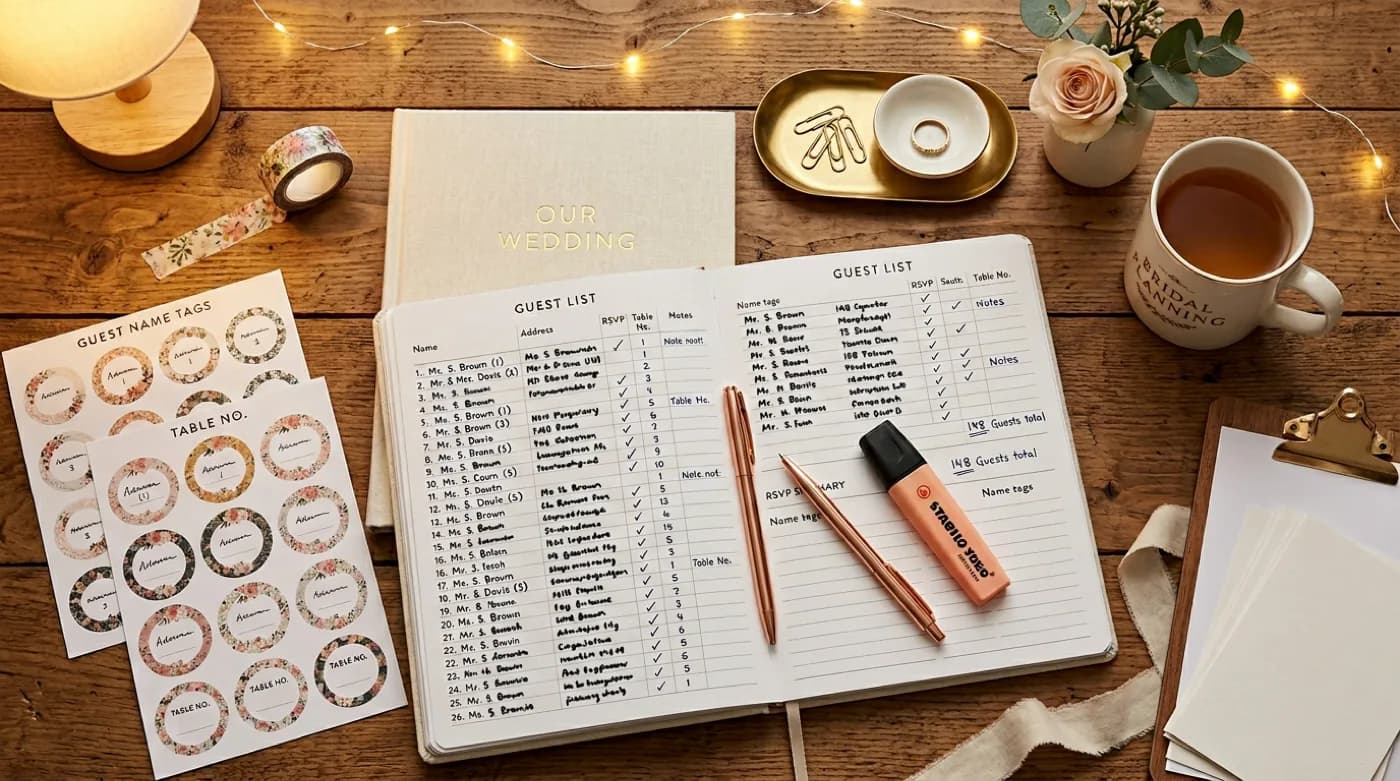
Guest List Kaise Manage Karein: Phased Framework, Tagging System, aur Real-World Practical Tips
Indian wedding ke 500-1000 guests ka management chaos ho sakta hai bina structured approach ke. Yahaan complete guest list management framework — phased list building, tagging schema, owner permissions, RSVP integration, dietary/accessibility tracking, plus-one policy, aur woh common mistakes jo har bada wedding karte hain.
10 min read
On this page
- Single source of truth
- Mandatory fields
- Tools compared
- Step-by-step setup
- Weekly review
- Pending follow-up
- Common mistakes
- Catering handoff
- Final thoughts
- RSVP management: the practical approach
- Checklist (copy this)
- Message templates (copy-paste)
- Do’s and don’ts
- FAQs
- If something changes (copy this update)
- Troubleshooting (common scenarios)
- Quick takeaways
- Micro tips that make a big difference
- RSVP wording (copy-ready)
- Tracking tips (no mess)
- What to include (quick checklist)
- Copy-ready templates
- Template bank (mix & match)
- Hinglish lines (ready to copy)
- Ultra-short versions (status style)
- RSVP lines that work
- WhatsApp format (recommended)
- If you have multiple functions